Components · Mobile only · Inputs
QR Scanner
AlphaiOS & Android
Scans QR codes with the camera (optional peer expo-camera): permission flow, torch, a haptic and an announcement on each code, and manual entry always one tap away. The preview has no camera, so it shows the manual-entry fallback.
Usage
@nexub/react-nativeWeb: QRCode shows a code; reading one needs the device camera
import { QRScanner } from '@nexub/react-native';

<QRScanner onScan={redeem} fallback={<TextField label="Code" value={code} onChangeText={setCode} />} />Interactive preview of @nexub/react-native rendered for the web. Native chrome (switches, pickers, Liquid Glass) looks like the platform on a device.
On device
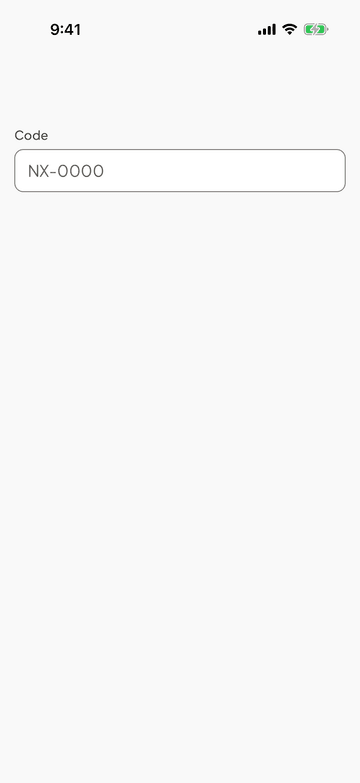
iPhone (iOS simulator)
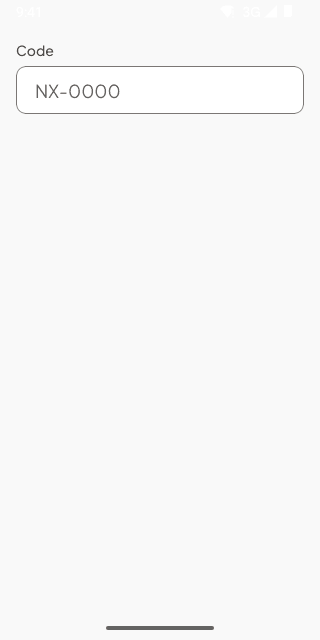
Pixel (Android emulator)
Screenshots from the latest CI run of the showcase app; the live frame renders the same code for the web.
QRScanner props
| Prop | Type | Default | Description |
|---|---|---|---|
| onScanrequired | (value: string) => void | — | Called with the text of each code found. The same code is not repeated within two seconds. |
| fallback | React.ReactNode | — | Manual entry, e.g. a TextField and a button. Shown when there is no camera or no permission, and one tap away while scanning. |
| paused | boolean | — | Stops the camera and ignores codes, e.g. while the last one is checked. |
| torch | boolean | — | Controlled torch. |
| defaultTorch | boolean | false | — |
| onTorchChange | (on: boolean) => void | — | — |
| instructions | string | messages.scanInstructions | Hint over the camera. |
| style | StyleProp<ViewStyle> | — | — |